

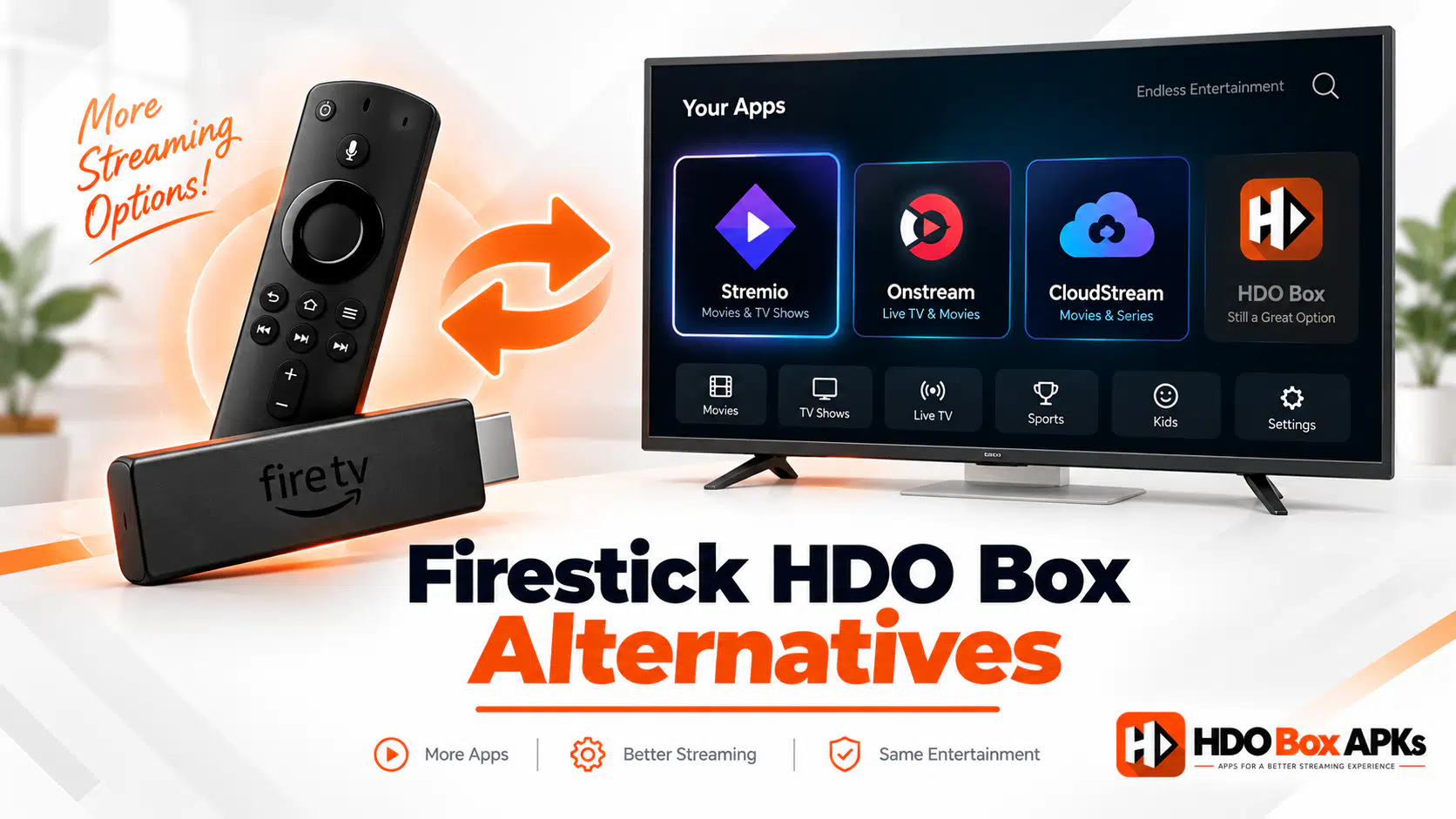
When your streaming app freezes on a blank screen or fails to pull working links, finding a reliable hdo box alternative firestick setup becomes your top priority. HDO Box remains a popular streaming scraper for movie lovers, but periodic server downtimes, broken external player handoffs, and mandatory companion apps can quickly interrupt your entertainment.
Whether you need a quick zero-configuration app with a built-in player or a decentralized media hub powered by premium debrid scrapers, this tested guide delivers the best working options for your Amazon Fire TV device in 2026.
Quick Summary: Top Firestick Replacements at a Glance
If you want an immediate recommendation without reading the complete breakdown, start with these top choices:
- Best Overall Replacement: Stremio + Real-Debrid delivers buffer-free 4K streams and never suffers from central server takedowns.
- Best Zero-Setup Scraper: Onstream offers a clean one-click interface with a built-in player that requires no extra setup.
- Best Modern Web-Synced App: Nuvio syncs your watch progress across your television, phone, and desktop seamlessly.
- Best Open-Source Platform: CloudStream uses community extension repositories for complete ad-free streaming.
Why Firestick Users Need an HDO Box Alternative in 2026
Finding a working streaming backup on Amazon devices is essential due to recent shifts in the streaming ecosystem:
1. Central Server Vulnerability & Cease-and-Desist Pressure
HDO Box relies on centralized indexing server nodes to fetch stream links for its users. When domain names get blocked or backend servers go offline during anti-piracy enforcement actions, the app stops resolving links completely. Having a verified backup prevents sudden service loss.
2. External Companion Player Frustrations
Modern builds of HDO Box no longer play video natively. They require secondary companion engines like Drama Player or MediaOn Player. These companion apps often fail during installation, display intrusive full-screen video ads, and create handoff glitches that cause an unexpected hdo box black screen on launch.
3. Amazon Operating System Changes (Vega OS Notice)
Newer Amazon devices like the Fire TV Stick Select run Amazon's proprietary Vega OS instead of Android. Because Vega OS blocks standard Android APK sideloading entirely, users on these devices cannot run HDO Box and must choose cloud-synced or browser-accessible alternatives.
Tier 1: Decentralized & Modular Media Hubs (Immune to Server Drops)
Modular media hubs separate the user interface from content scrapers. Because they do not rely on a single developer's central server, they offer a permanent streaming solution.
1. Stremio (Paired with Torrentio & Real-Debrid)
Stremio is the gold standard for home theater streaming. Instead of scraping low-bitrate public links, Stremio uses community add-ons like Torrentio to query high-speed torrent swarms cached on secure cloud servers.
- Interface: Modern, horizontal Android TV layout with Trakt watch-history synchronization.
- Player Type: Built-in hardware-accelerated ExoPlayer. No companion apps needed.
- Why It Beats HDO Box: When combined with a Debrid service like Real-Debrid, streams start instantly in uncompressed 4K HDR and Dolby Atmos without buffering.
- Firestick Installation: Download directly from the official Stremio website or use Downloader shortcode 730116.
2. Nuvio
Nuvio is a next-generation media platform designed for seamless cross-device synchronization. It allows you to configure your addons and scraper providers via a web dashboard on your phone or PC, which automatically updates your Firestick app.
- Interface: Sleek dark-mode grid optimized for Fire TV remote controls.
- Player Type: Native internal video player with multi-audio track switching.
- Best For: Cord-cutters who watch across multiple screens and want unified progress tracking.
Tier 2: Zero-Configuration Direct VOD Scrapers (One-Click Playback)
If you loved the simplicity of HDO Box and want an easy replacement app that requires zero accounts or API keys, these direct scrapers deliver instant viewing:
3. Onstream
Onstream is the closest direct replacement to HDO Box available today. It indexes trending movies and television series into an intuitive catalog and starts playback with a single remote click.
- Built-In Player: Uses an integrated media engine with customizable subtitle tracks and playback speed controls.
- No Companion App: Unlike HDO Box, Onstream never demands secondary player downloads.
- Remote Navigation: Full directional D-Pad support on standard Fire TV remote controls.
- Downloader Shortcode: 730116 (under the Onstream directory).
4. Mobiflix
Mobiflix delivers a rich library of on-demand movies with multiple automated server mirrors. If primary stream nodes slow down during peak evening hours, the app switches to backup servers automatically.
- Highlights: Clean movie poster grid, lightweight memory footprint under 30 MB, and fast launch speeds.
- Downloader Access: Available via direct APK mirrors and standard streaming repositories.
5. PlayTorrio
PlayTorrio combines the look of a premium subscription service with fast link scraping. It automatically filters out broken links before presenting results, saving you time when browsing new releases.
- Downloader Shortcode: 8356029
- Recommended Setup: Enable hardware acceleration in settings for smoother 1080p playback on Firestick Lite hardware.
Enter this verified code in the Downloader app on Firestick & Android TV
Tier 3: Open-Source & Custom Community Media Clients
For advanced users who want complete control over their streaming sources, these customizable platforms provide an adaptable configuration:
6. CloudStream
CloudStream is an open-source, ad-free Android streaming application. The core app contains zero built-in scrapers, making it 100% legal to install. Users add community extension repositories that automatically fetch movies, anime, and live streams.
- Zero Ads: Completely free of third-party banner ads or pop-ups.
- Multilingual Support: Scrapes subtitles and multi-language audio tracks across global servers.
- Installation: Download the clean APK from GitHub or community Unlinked repositories.
7. Syncler
Syncler is an advanced media aggregator built specifically for high-end Android TV and Firestick setups. It integrates deeply with Trakt, Real-Debrid, and Simkl to manage your entire entertainment library.
- Highlights: Advanced audio passthrough, voice search integration, and granular bitrate filtering.
- Best Hardware: Fire TV Stick 4K Max or Fire TV Cube for fast catalog loading.
Top HDO Box Alternatives for Firestick Comparison
This table compares every featured streaming option by architecture, player dependency, debrid support, and remote usability:
| Application Name | Architecture Type | Player Type | Real-Debrid Support | Firestick Remote Score | Downloader Shortcode / Path |
|---|---|---|---|---|---|
| Stremio | Modular Addon Hub | Native Internal Player | Yes (Integrated) | 10 / 10 (Native Leanback) | 730116 / Official Store |
| Onstream | Direct VOD Scraper | Native Internal Player | No (Auto-Play) | 9.5 / 10 (Full D-Pad) | 730116 |
| Nuvio | Web-Synced Hub | Native Internal Player | Yes (Native) | 9 / 10 (Optimized UI) | nuvio.app / Downloader |
| Mobiflix | Direct VOD Scraper | Native Internal Player | No (Auto-Link) | 8.5 / 10 (Directional) | mobiflixapp.com |
| CloudStream | Open-Source Ext. Hub | Native ExoPlayer | Yes (Optional) | 9 / 10 (Clean Layout) | GitHub / Clean Mirror |
| Syncler | Vendor Scraper Engine | ExoPlayer / External | Yes (Required) | 9.5 / 10 (Android TV UI) | syncler.net / Downloader |
| PlayTorrio | Direct VOD Client | Native Internal Player | Optional | 8.5 / 10 (D-Pad Friendly) | 8356029 |
Verified Downloader Shortcode Directory for Firestick
Use the verified codes below inside the Downloader app to install your chosen streaming package directly onto your device:
| Target Application | Downloader Code | Primary Purpose | Installation Tip |
|---|---|---|---|
| Onstream Official | 730116 | Direct one-click streaming replacement | Sideload directly. No secondary apps needed |
| PlayTorrio Installer | 8356029 | Fast VOD movie client | Clear Downloader cache if download times out |
| HDO Box Official Build | 6447263 | Original Universal APK installer | See our HDO Box Downloader Code guide |
| Drama Player Companion | 502741 | Required player if repairing HDO Box | Use code 8543684 as a secondary mirror |
| Unlinked Repo Hub | Code: firesticks | Multi-app repository library | Access CloudStream and clean backup APKs |
If you encounter installation issues while downloading these packages, consult our guide on HDO Box not working fixes for step-by-step developer permission solutions on Fire OS.
Enter this verified code in the Downloader app on Firestick & Android TV
How to Optimize Your Firestick Remote for Streaming Apps
Many third-party streaming media applications were initially compiled for smartphone touchscreens. To ensure smooth navigation on your television screen with your replacement apps, use these remote tips:
- Use the Directional Ring: Avoid hardware Play/Pause remote keys on mobile-ported apps. Use the outer D-Pad circle to navigate between titles.
- Access Player Controls: Press Down on your remote during video playback to reveal the timeline, audio selectors, and subtitle tracks.
- Fast-Forward & Rewind: Tap the Right or Left directional edges to skip forward 10 or 30 seconds smoothly.
- Install Mouse Toggle (If Needed): For apps with small touch menus, sideloading Mouse Toggle gives you an on-screen cursor controlled by your Fire TV remote.
If you ever decide to switch back to the original application after testing these options, check our complete HDO Box for Firestick setup tutorial for optimal device settings.
Frequently Asked Questions
What is the best HDO Box alternative for Firestick without Real-Debrid?
Do these Firestick alternatives require companion video players?
Will these alternative apps work on a Fire TV Stick Select?
How do I install these apps using the Downloader app?
Where can I find more general streaming alternatives?
Conclusion
Choosing the right hdo box alternative firestick platform ensures uninterrupted streaming whenever HDO Box faces server maintenance or companion player errors. For a permanent, buffer-free home theater setup, install Stremio paired with Real-Debrid. If you prefer instant one-click streaming with zero configuration, sideload Onstream using Downloader code 730116. Keep your streaming apps updated for the best performance on your Fire TV.