

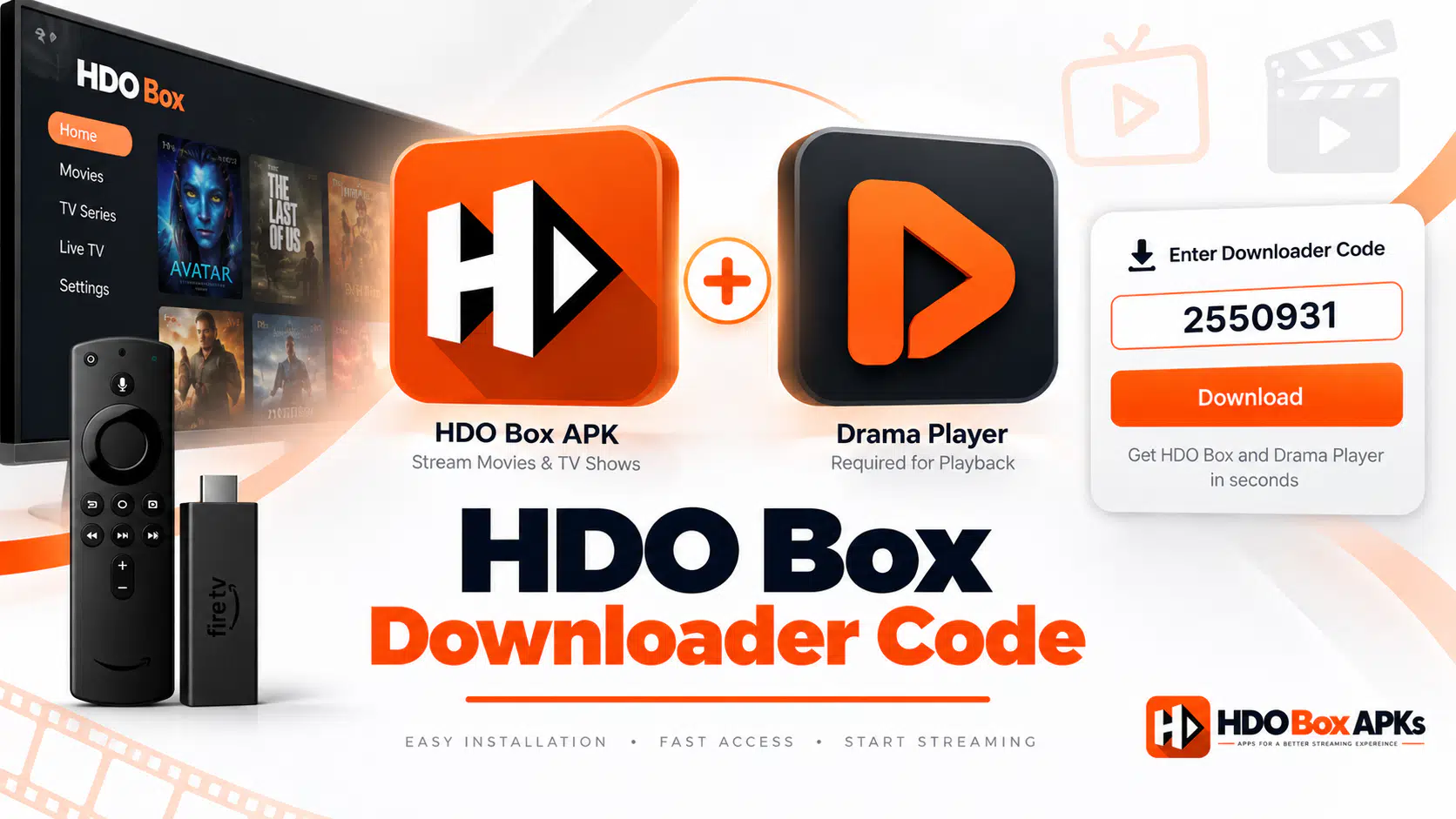
Finding a verified hdo box downloader code can feel frustrating when older shortcodes expire or produce connection errors on your television. Here are the tested, active numeric codes to install HDO Box APK and Drama Player in under two minutes.
1. Verified HDO Box Downloader Code Directory (2026)
The table below lists the current tested numeric codes for the Downloader application by AFTVnews. Each numeric code connects directly to our secure storage server so you do not have to enter lengthy URLs using your TV remote control.
| Application / Package | Numeric Code | File Size | Build | Status |
|---|---|---|---|---|
| HDO Box Official APK | 6447263 | ~32 MB | Latest | Verified Working |
| Drama Player (Required Engine) | 730116 | ~28 MB | Latest | Verified Working |
| TROYPOINT Toolbox (Alternative) | 250931 | Not listed | Multi-App | Verified Active |
| HDO Box (Alt Mirror) | 863280 | ~32 MB | Mirror | Active Backup |
If a numeric shortcode takes longer than five seconds to redirect on your network, enter the direct address for the HDO Box APK homepage into the Downloader search field instead.
Enter this verified code in the Downloader app on Firestick & Android TV
2. Why You Need a Dual Code Setup for HDO Box
Many streaming enthusiasts enter the primary hdo box downloader code, install the app, and then find that video playback will not start. When you select a movie title, the screen displays a notice asking for an external media engine.
HDO Box functions as a lightweight content scraper. It crawls verified online sources for streaming links and presents them in an organized interface. To keep the core installation small and fast, the app does not bundle a heavy internal video decoder. Instead, it hands off video feeds to an auxiliary rendering engine like Drama Player or MediaOn Player.
[User Selects Movie] -> [HDO Box Scrapes Links] -> [Hands Off Stream] -> [Drama Player Plays Video]On devices powered by Amazon Fire OS, the automated in-app download prompt frequently freezes because the operating system blocks background package installations from unverified applications. To avoid infinite loading loops, always complete a two-step installation:
- Step 1: Enter shortcode 6447263 to install the main HDO Box application package.
- Step 2: Enter shortcode 730116 to pre-install Drama Player before launching your first stream.
Once both packages sit on your local storage, HDO Box recognizes the external player automatically and launches high-definition streams without interruption.
Enter this verified code in the Downloader app on Firestick & Android TV
3. How to Install HDO Box on Firestick Using Downloader Codes
Setting up your streaming stick takes less than three minutes. Follow these practical steps to prepare your device and run your downloader code for hdo box.
Step 1: Enable Unknown Sources in Fire TV Settings
Before your device can execute files through the sideloading process, you must grant Downloader the necessary system permissions:
- Navigate to the Settings gear icon on the right side of your Fire TV home bar.
- Select My Fire TV and open Developer Options.
- If Developer Options is hidden on your stick, click About, highlight your device name, and press the center Select button seven times to turn on developer mode.
- Open Developer Options and select Install Unknown Apps.
- Highlight Downloader and switch the toggle to ON.
Step 2: Enter the HDO Box Downloader Code
With system permissions granted, launch the utility tool to fetch the core application package:
- Open the Downloader app from your home screen.
- Select the URL input box on the home tab to open the on-screen keypad.
- Enter the numeric hdo box firestick code 6447263 into the text bar.
- Click Go to trigger the automated 5-second redirect countdown.
- When the package finishes downloading, click Install on the system prompt.
- Select Done, then click Delete twice to remove the temporary installation file and preserve internal flash memory.
Step 3: Enter the Drama Player Companion Code
Repeat the entry process to install the required external playback engine:
- Click the URL bar in Downloader again.
- Type the companion hdo box drama player code 730116 and press Go.
- Wait for the download to complete and click Install.
- Click Done, then select Delete to clean up the secondary installer file.
For an in-depth hardware breakdown with custom screenshots, check our comprehensive HDO Box for Firestick walkthrough.
4. Device Compatibility and Hardware Architecture Matrix
Not every television platform shares the same operating system architecture. Review the compatibility matrix below before attempting to execute an Android APK shortcode on your television hardware.
| Device Platform | Base OS | Downloader Execution | Target Architecture | Notes |
|---|---|---|---|---|
| Fire TV Stick 4K / 4K Max | Fire OS (Android 9/11) | Fully Supported | Universal / arm64-v8a | Enable unknown apps in Developer Options |
| Fire TV Stick Lite / Gen 3 | Fire OS (Android 7/9) | Fully Supported | Universal / armeabi-v7a | Clear application cache regularly for smooth speeds |
| Fire TV Cube (All Gens) | Fire OS (Android 9) | Fully Supported | Universal / arm64-v8a | High-speed processing with zero stream lag |
| New Fire TV HD (Vega OS) | Vega OS (Linux-based) | Unsupported | Non-Android Framework | Incompatible with Android APKs and Downloader redirects |
| Google TV & Android TV | Android TV OS 10-14 | Fully Supported | Universal / arm64-v8a | Available on Chromecast and Nvidia Shield hardware |
Amazon has begun deploying its proprietary Linux-based Vega OS on newer streaming models like the Fire TV Stick Select. Because Vega OS does not utilize the Android runtime, it cannot execute APK packages or Downloader shortcodes. Standard Fire TV Stick 4K Max, 4K, Lite, and Cube models run Fire OS and remain completely compatible.
If you stream using an Android television box, read our dedicated setup guide for HDO Box on Android TV to configure custom remote permissions.
5. Fire TV Remote Navigation Controls for Video Playback
Because Drama Player operates as an independent media engine, native hardware keys on older Firestick remotes, such as dedicated Play, Pause, or Fast-Forward buttons, may not respond during active video rendering. Use these directional pad (D-Pad) commands to navigate your playback smoothly:
- Fast-Forward (10-Second Jump): Press the Right directional ring button once. Tap repeatedly to advance through longer scenes.
- Rewind (10-Second Jump): Press the Left directional ring button to skip backward.
- Pause and Resume Video: Press the Down directional button to reveal the on-screen player interface, highlight the on-screen Pause icon, and press the center Select button.
- Select Audio Tracks and Subtitles: Press the Up directional button during playback to open the audio language selector and subtitle synchronization panel.
- Exit Stream: Press the Back button on your remote once to stop the stream and return to the main catalog.
6. How to Fix Common HDO Box Downloader Code Errors
If you encounter technical errors while entering shortcodes into your TV device, follow these verified diagnostic fixes.
Downloader Stuck on "Redirecting..." Countdown
When you submit a shortcode, Downloader contacts the server to locate the underlying file path. If your local network experiences packet drops or DNS latency, the countdown timer can hang indefinitely. Press the Back button to cancel the request, then enter the direct address for the HDO Box APK homepage into the search box to fetch the APK directly.
"Status 404" or "File Not Found" Notification
A 404 alert indicates that the numeric code references an expired or decommissioned server repository. Verify that you entered 6447263 for the main APK or 730116 for Drama Player, with no stray spaces before or after the numbers. If you still encounter problems, check our master HDO Box not working troubleshooting guide for live server status updates.
"There Was a Problem Parsing the Package."
Parse errors occur when an APK download stops halfway through due to Wi-Fi fluctuations, leaving an incomplete package on your storage. Open Settings > Applications > Manage Installed Applications > Downloader on your Firestick, select Clear Cache and Clear Data, reopen Downloader, enter code 6447263, and let the download reach 100 percent before opening the installer.
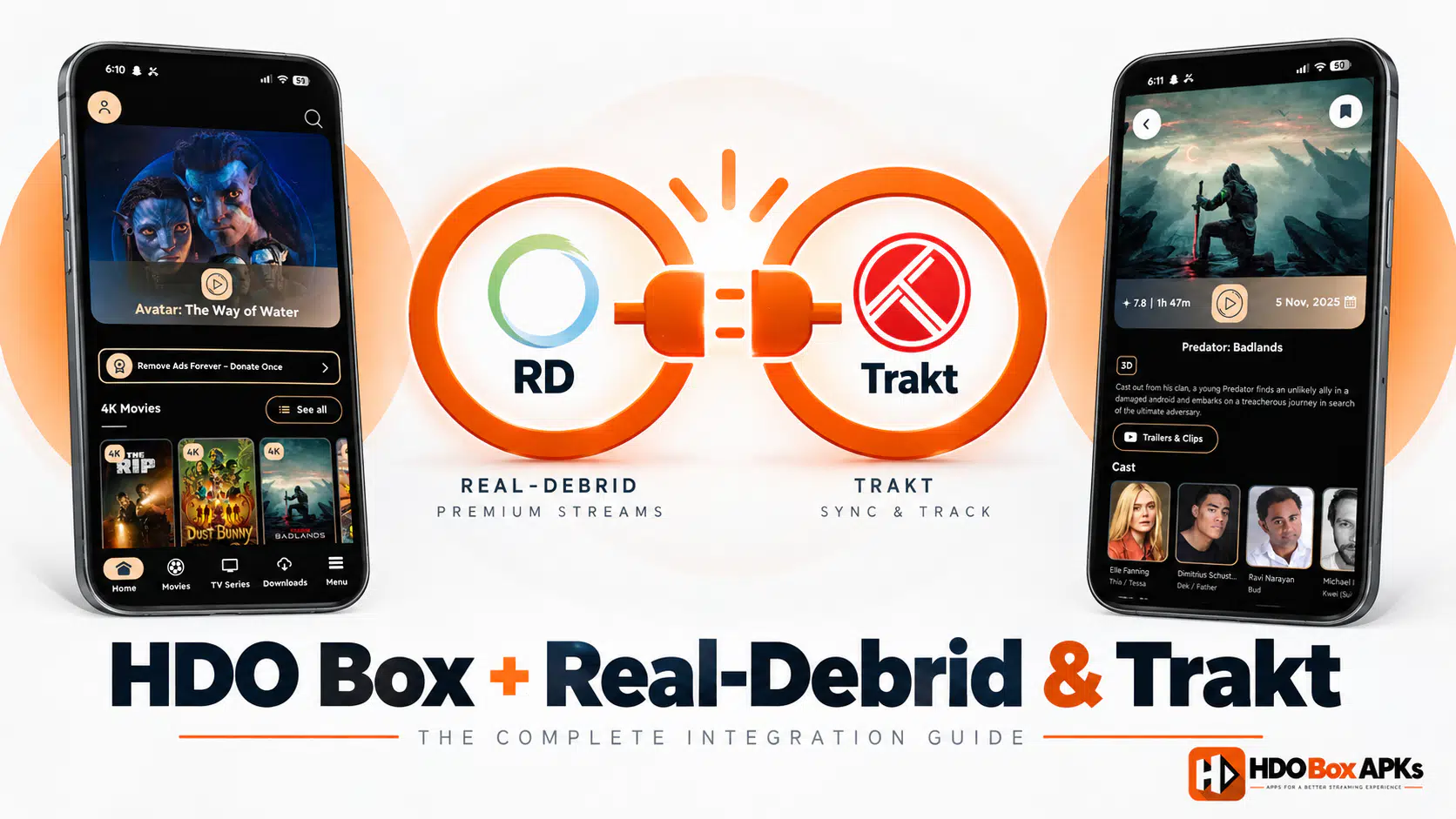
7. Real-Debrid and Trakt Account Integration
Connecting premium services elevates your viewing experience by providing unthrottled streaming links and synchronizing your watch progress across all your home entertainment devices.
Configuring Real-Debrid for buffer-free 4K streaming:
- Launch HDO Box and open the Settings menu from the sidebar.
- Select Account Integration and click Real-Debrid.
- An eight-digit pairing code will appear on your TV screen.
- Open a browser on your smartphone or PC, go to
real-debrid.com/device, and log in. - Input the code shown on your television and authorize access. High-speed premium streams will now populate at the top of your link selection list.
If you want to review stream safety and data security protocols before linking accounts, read our comprehensive HDO Box safety and security audit.
Frequently Asked Questions
What is the official HDO Box downloader code for Firestick?
Can I install HDO Box without using Downloader?
Why does HDO Box say external player not installed?
What are the best working alternatives if HDO Box is down?
Conclusion
Using a verified hdo box downloader code is the fastest way to install your streaming application on Firestick, Fire TV, and Android TV. By entering both the main application code (6447263) and the companion player code (730116), you prevent black screens and stream failures. Enable your developer options, clear temporary APK files after setup, and pair your Real-Debrid account for seamless 4K entertainment.