When setting up a cord-cutting entertainment system on an Amazon Fire TV Stick, Android TV box, or Google TV, choosing the right streaming application shapes your daily viewing experience.
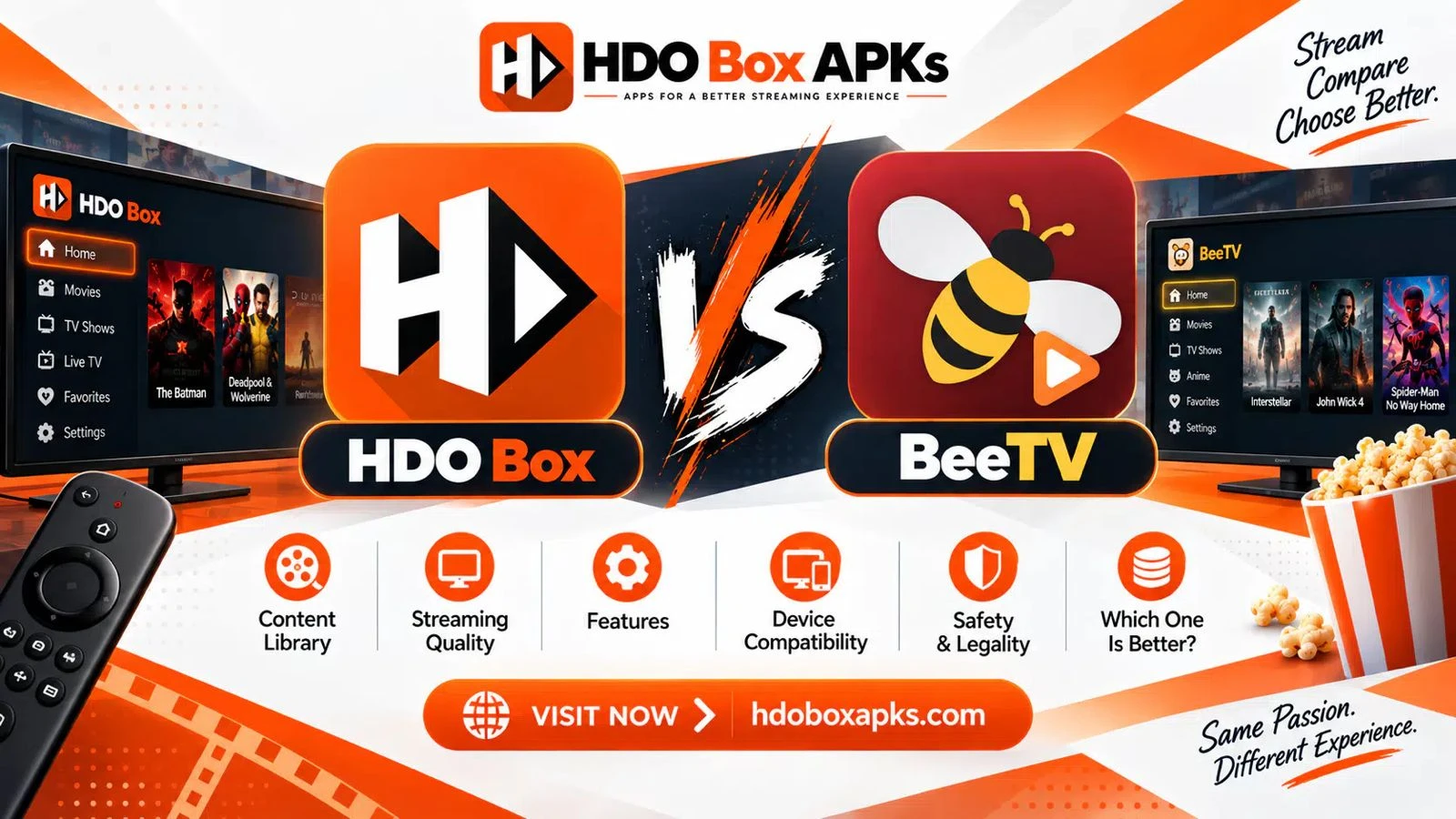
The comparison of hdo box vs beetv represents a major showdown between two of the most popular third-party streaming tools available today. While both applications give you free access to thousands of on-demand movies and television episodes, they use contrasting link-scraping methods, playback engines, and user interfaces.
HDO Box emphasizes modern design and effortless speed, using automated background scrapers to start video streams with a single click.
BeeTV takes a more traditional approach, acting as a multi-hoster scraper that generates a detailed list of public and premium links for manual selection. This in-depth guide compares both platforms across real-world testing, analyzes their streaming quality, and helps you determine which application fits your home entertainment setup.
Quick Summary: Key Differences at a Glance
If you want a fast breakdown before exploring the technical details, review this head-to-head comparison matrix:
| Feature / Metric | HDO Box (Standalone Auto-Play APK) | BeeTV (Multi-Hoster Scraper) |
|---|---|---|
| Stream Discovery & Playback | Automated 1-click auto-play (Select and watch) | Multi-hoster scraper list (Manual link selection) |
| Media Player Architecture | Requires Drama Player or MediaOn | Flexible (Titan Player, Bear Player, VLC, MX Player) |
| Real-Debrid Integration | Not natively supported on official builds | Full native integration for Real-Debrid, Premiumize |
| Offline Media Downloads | Streaming only on television devices | Native offline download manager built into app |
| Subtitle Localization | Multi-language engine (25+ languages, server-matched) | Basic OpenSubtitles scraping (Variable sync quality) |
| User Interface & Layout | Modern, clean, Netflix-style poster catalog | Classic Android TV list view with stream metadata |
| RAM Footprint | Lightweight (~150 MB during video playback) | Moderate (~250 MB to 350 MB during link scraping) |
| Setup Time | Under 2 minutes via Downloader | 3 to 5 minutes (Requires player and link setup) |
| Best Hardware Fit | Budget streaming sticks (Firestick Lite, Onn 4K) | Mid-range to flagship hardware (Firestick 4K, Shield) |
Architectural Comparison: How Each App Aggregates Media
The core difference in the hdo box vs beetv rivalry lies in how each application discovers, scrapes, and delivers video streams.
[HDO Box Pipeline]
User Selects Title ──> Central Server Auto-Resolves Fast Link ──> Android Intent ──> Drama Player (Instant Video)
                                                                                          │
                                                                                          ▼
                                                                                Seamless Playback

[BeeTV Pipeline]
User Selects Title ──> Scrapes 30+ Public/Debrid Hosters ──> User Manually Picks Link ──> External Player
                                                                                             │
                                                                                             ▼
                                                                                   Video Playback
HDO Box: Single-Click Auto-Play Mechanics
HDO Box is designed for viewers who want television to work like a commercial subscription service. When you click on a title, you do not have to filter through dozens of confusing links.
Instead, the application connects to centralized backend scraper networks (such as Server A1, Server A2, and Server B) to resolve the fastest working stream automatically.
To maintain a compact installation size (under 25 MB) and avoid sluggish performance on budget devices, HDO Box offloads the physical video rendering task to a dedicated helper engine, primarily Drama Player.
This decoupled design keeps interface navigation smooth, but it means both applications must be installed and properly configured on your device.
BeeTV: Multi-Hoster Link Scraping
BeeTV operates as an open-ended multi-source aggregator.
When you select a movie or television episode, BeeTV sends scraping queries to dozens of individual file-hosting services and indexers simultaneously. Within fifteen to twenty seconds, the screen fills with an organized list of available links sorted by hoster domain, video resolution, and file bitrate.
This approach gives you total control over your playback source. If a specific stream buffers or exhibits audio sync issues, you can back out and choose an alternative provider from the list.
However, reviewing and testing multiple links requires extra clicks with your remote control.
Media Player Requirements: Drama Player vs. External Options
Video player integration represents a critical architectural difference between both platforms.
HDO Box Player Dependencies
Standard builds of HDO Box rely on an inter-process communication handshake with Drama Player. When you select a title, HDO Box passes the resolved media URL to Drama Player via an Android intent call.
While this keeps the primary app lightweight, it can introduce friction on Amazon Fire TV devices. If Fire OS memory management suspends Drama Player in the background, or if developer permissions are revoked, the app can freeze or display a blank screen. Sideloading the companion package directly resolves these handoff issues, commonly known among cord-cutters as the hdo box drama player fix.
For step-by-step setup instructions, explore our tutorials for HDO Box on Firestick and HDO Box on Android TV.
BeeTV Player Flexibility
BeeTV takes a more adaptable approach to media rendering. Rather than locking users into a single companion application, BeeTV supports multiple external players, including:
- Titan Player: The default recommended lightweight companion for BeeTV.
- Bear Player: A secondary player engine often bundled with custom builds.
- VLC Media Player: Open-source, ad-free player with full hardware codec support.
- MX Player: Advanced software decoding engine with custom audio codec capabilities.
This player flexibility provides strong redundancy.
If one player experiences glitches after an operating system firmware update, you can simply change your default player in BeeTV settings and continue streaming without delay.
Power-User Features: Real-Debrid, Subtitles, and Offline Downloads
When evaluating advanced capabilities, both streaming tools cater to different viewer priorities.
Real-Debrid Integration: BeeTV Takes the Lead
The biggest advantage of BeeTV is its deep integration with premium debrid services. Completing a quick beetv real debrid setup inside the application settings transforms the streaming experience:
- High-Speed Cached Torrents: BeeTV bypasses congested public file hosters, pulling high-bitrate video streams directly from unrestricted Debrid cloud servers.
- Buffer-Free 1080p and 4K Playback: Debrid streams provide massive bandwidth, eliminating the buffering wheel during peak evening hours.
- Zero Dead Links: Links highlighted in green or yellow inside BeeTV represent verified cached files that start playing instantly.
Official releases of HDO Box rely exclusively on free centralized server feeds and do not feature native Real-Debrid authorization. While HDO Box's free servers are fast, they cannot match the raw bitrate and stability of Debrid-backed streams on large 4K displays.
Subtitle Localization: HDO Box Wins Decisively
If you watch foreign-language films, anime, or international dramas, HDO Box offers a superior subtitle engine.
HDO Box indexes subtitles in more than 25 languages directly within the player overlay. The subtitle tracks are synchronized with active server feeds (matching Subtitle Source 1 with Stream Server 1), preventing the dialogue delay that plagues many third-party scrapers.
BeeTV relies on generic OpenSubtitles scraping. Finding correctly timed subtitles often requires manual searching and adjusting timing offsets inside your external player.
Offline Media Downloads
BeeTV includes a built-in offline download manager. On Android mobile devices, tablets, and streaming sticks with external USB flash storage, you can download entire movie files locally for travel or offline viewing. Official TV builds of HDO Box are restricted to live streaming playback.
| Feature Comparison | HDO Box | BeeTV |
|---|---|---|
| Real-Debrid Support | No (Relies on free public servers) | Yes (Full OAuth integration) |
| Maximum Stream Quality | 720p to 1080p Web Streams | 1080p to 4K Remux (via Debrid) |
| Offline Downloading | No native TV download engine | Yes, built-in download manager |
| Subtitle Languages | 25+ languages with server synchronization | Basic external scraper search |
| Trakt.tv Sync | Yes (Watchlist and history tracking) | Yes (Full scrobbling support) |
| In-App Advertising | Short ads during player handoffs | Banner and video ads (unless ad-free) |
User Interface, Content Discovery, and Catalog Navigation
The way an application presents its content library shapes how quickly you can find something to watch.
HDO Box: Modern, Polished, and Family-Friendly
HDO Box offers one of the most attractive interfaces in the cord-cutting community.
It mirrors official commercial subscription services with high-resolution poster artwork, backdrop banners, synopsis summaries, and cast filmographies.
Navigating the interface with a standard Fire TV remote control is smooth and responsive. Because the app auto-plays media, it is the ideal solution for living room televisions shared with children or non-technical family members. However, category sliders are capped at roughly twenty titles, requiring you to use the search bar for deep catalog discovery.
BeeTV: Utilitarian and Data-Focused
BeeTV prioritizes catalog depth over visual polish. The home screen features standard poster rows categorized by trending movies, popular series, and release dates.
Where BeeTV excels is directory filtering.
You can filter titles by specific genres, release years, and network providers (such as Netflix, HBO, Apple TV+, and Disney+). For viewers who enjoy exploring hidden gems or filtering titles by decade, BeeTV offers greater browsing flexibility.
Device Compatibility and Hardware Performance
How well each application performs depends heavily on the hardware capabilities of your streaming stick.
| Hardware Class | Representative Streaming Devices | HDO Box Performance | BeeTV Performance | Recommended Pick |
|---|---|---|---|---|
| Entry-Level Sticks | Fire TV Stick Lite, Firestick 3rd Gen | Fast, smooth scrolling, instant auto-play | Slower link scraping, occasional remote lag | HDO Box |
| Mid-Range 4K Devices | Firestick 4K Max, Onn 4K Pro, Chromecast | Flawless playback, zero frame drops | Fast link population, smooth 1080p/4K | Tie (User Preference) |
| Flagship Hardware | Nvidia Shield TV Pro, Fire TV Cube | Runs effortlessly | Blazing-fast multi-scraping, 4K Debrid | BeeTV with Debrid |
On budget hardware with 1 GB of RAM (such as the Fire TV Stick Lite), HDO Box is noticeably faster.
Initiating 30+ simultaneous network scraping threads inside BeeTV puts heavy strain on low-powered processors, often taking 20 to 30 seconds to display results. HDO Box connects to its centralized server and starts playing within three to five seconds.
On high-powered devices like the Nvidia Shield TV Pro or Fire TV Cube, BeeTV leverages extra processor cores to scrape hundreds of links in seconds.
How to Install HDO Box and BeeTV via Downloader
Both applications require sideloading using the Downloader app on Fire OS and Android TV devices.
Step-by-Step Installation Guide:
- Turn on your Firestick and open Settings > My Fire TV > Developer Options.
- Select Install Unknown Apps and toggle Downloader to ON.
- Open the Downloader App by AFTVNews.
In the URL bar, enter the verified deployment codes:
- For HDO Box TV Build: Enter code 795281 or 6447263 via our HDO Box Downloader Code guide.
- For Drama Player Companion: Enter code 502741.
- For BeeTV: Enter a verified beetv downloader code (such as Unlinked code 234753 or direct package URL).
- Click Install when prompted and grant necessary storage permissions on first launch.
What Reddit Streaming Communities Say: User Insights
Discussions across cord-cutting forums comparing beetv vs hdo box firestick reveal distinct user preferences based on technical comfort:
- The Casual Household Choice: Everyday viewers on Reddit praise HDO Box for its simplicity. Non-technical users appreciate picking a movie and watching it immediately without sorting through link resolvers or dealing with broken providers.
- The Debrid Power-User Choice: Enthusiasts on Reddit consistently pick BeeTV when paired with a Real-Debrid account. They value being able to choose 15 GB 1080p or 4K files with 5.1 surround sound rather than relying on compressed public streams.
- The Two-App Strategy: Many experienced cord-cutters install both. HDO Box serves as the primary app for quick weeknight viewing, while BeeTV acts as a high-fidelity backup for movie nights.
Other Streaming Alternatives to Consider
If you are exploring alternative applications in the cord-cutting ecosystem, review how HDO Box and BeeTV compare to other tools:
- HDO Box as a BeeTV Alternative: If you are tired of clicking through dead links and want an hdo box alternative that auto-plays content instantly, HDO Box is the easiest replacement available.
- HDO Box vs Cinema HD: For another classic multi-link aggregator comparison, read our detailed HDO Box vs Cinema HD comparison.
- HDO Box vs Kodi: For advanced home theater setups with uncompressed audio passthrough, explore our HDO Box vs Kodi comparison.
- Master Alternatives Directory: To browse verified streaming options across Firestick, Android TV, and PC, visit our complete directory of HDO Box alternatives.
Final Verdict: Which App Should You Choose?
When deciding the winner in hdo box vs beetv, the best choice depends entirely on how you like to consume entertainment.
Choose HDO Box If:
- You want an effortless, one-click streaming experience that starts playing immediately.
- You do not own a Real-Debrid subscription and rely on free public servers.
- You are using a budget streaming stick like a Fire TV Stick Lite or Onn 4K Streaming Box.
- You watch foreign-language films and require synchronized multi-language subtitles.
- You want a clean, modern interface that kids and family members can navigate without help.
Choose BeeTV If:
- You have an active Real-Debrid, Premiumize, or AllDebrid account.
- You want to inspect stream metadata (file sizes, bitrates, and hosters) before playing.
- You need an offline download manager to save media files to local storage.
- You prefer using VLC or MX Player as your default video rendering engine.
- You enjoy deep genre filtering and exploring niche television categories.
Frequently Asked Questions
Is BeeTV safer to use than HDO Box?
Does HDO Box support Real-Debrid like BeeTV?
Can I install both HDO Box and BeeTV on Firestick?
Why does HDO Box start playing faster than BeeTV?
What is the best companion player for BeeTV?
HDO Box vs BeeTV: Final Summary
In the hdo box vs beetv matchup, both platforms stand out as two of the best streaming app for firestick options available today.
HDO Box is the undisputed winner for convenience, speed, and sleek interface design, making it the perfect daily driver for households that want instant movie playback. BeeTV remains an essential tool for power users who want total control over link selection, offline downloading capabilities, and uncompressed 4K streams via Real-Debrid.
Whether you prefer the automated simplicity of HDO Box or the deep customization of BeeTV, pairing your preferred streaming tool with a stable internet connection guarantees an endless library of on-demand entertainment.