When building a cord-cutting entertainment setup on an Amazon Fire TV Stick, Android TV box, or Google TV, finding the right streaming app makes all the difference.
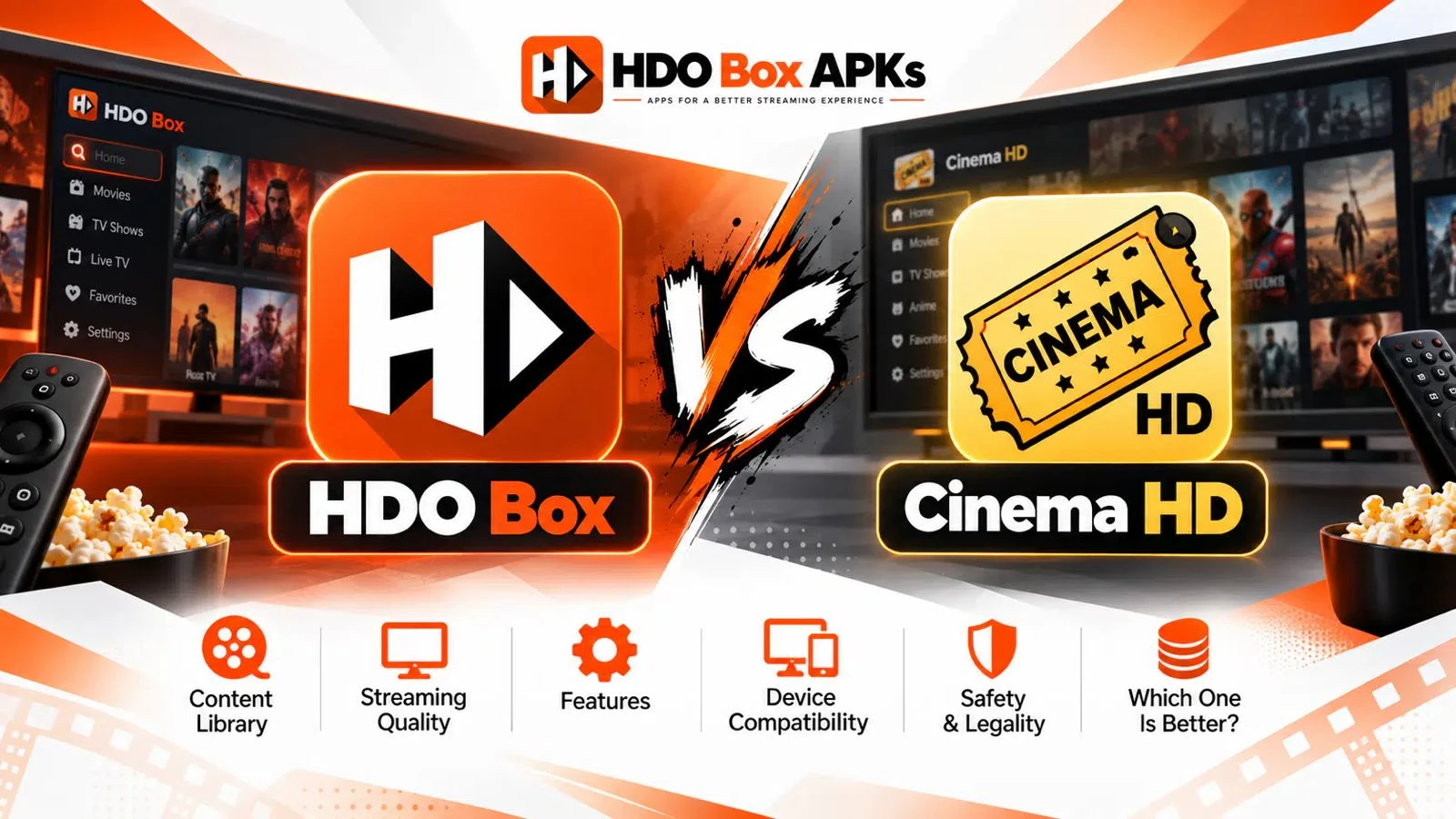
The battle of hdo box vs cinema hd represents two very different philosophies in third-party media streaming. While both apps let you watch thousands of movies and television episodes on demand, their scraping methods, playback engines, and user interfaces could not be more different.
HDO Box focuses entirely on speed, delivering an effortless, single-click auto-play experience wrapped in a modern streaming interface.
Cinema HD, on the other hand, is a veteran multi-link scraper built for viewers who want to inspect individual host sources and pair premium debrid accounts. This in-depth comparison analyzes how both apps perform across real-world tests, evaluates their video quality, and helps you pick the right platform for your streaming hardware.
Quick Summary: Key Differences at a Glance
If you want a fast breakdown before reading the technical details, review this head-to-head comparison matrix:
| Feature / Dimension | HDO Box (Standalone Auto-Play APK) | Cinema HD (Multi-Link Aggregator) |
|---|---|---|
| Playback Approach | Instant 1-click auto-play (Select and watch) | Multi-link provider list (Manual source selection) |
| Video Decoding Engine | Requires Drama Player or MediaOn | Built-in player engine (Supports MX Player / VLC) |
| Real-Debrid Integration | Not natively supported on official builds | Deep native support for Real-Debrid, AllDebrid, Premiumize |
| Video Resolution | 720p to 1080p Full HD (Web-optimized links) | 1080p up to 4K Remux (With premium Debrid links) |
| User Interface | Modern, clean, Netflix-style poster catalog | Classic list view with detailed file metadata |
| Setup Time | Under 2 minutes via Downloader | 3 to 5 minutes (Requires link resolver setup) |
| RAM Consumption | Lightweight (~150 MB during video playback) | Moderate (~300 MB to 450 MB cache usage) |
| Development Status | Actively maintained with regular server updates | Slowing official updates, relies on community patches |
| Best Device Class | Budget devices (Firestick 4K, Onn 4K Box) | Mid-range to flagship hardware (Fire TV Cube, Shield) |
Architectural Breakdown: How Each Application Scrapes Content
The core distinction in the hdo box vs cinema hd matchup lies in how each application fetches and renders video streams.
[HDO Box Scraping Pipeline]
User Taps Poster ──> Central Server Queries Fast Host ──> Android Intent ──> Companion Player (Drama Player)
                                                                                  │
                                                                                  ▼
                                                                        Instant Video Playback

[Cinema HD Scraping Pipeline]
User Taps Poster ──> Scrapes 40+ Public & Debrid Hosts ──> User Manually Picks Link ──> Internal/External Player
                                                                                             │
                                                                                             ▼
                                                                                   Video Playback
HDO Box: Single-Click Auto-Play and Decoupled Players
HDO Box is engineered around simplicity. The application does not ask you to browse through dozens of individual streaming servers.
When you click a title, HDO Box communicates with centralized backend scraper networks (such as Server A1, Server A2, and Server B) to resolve the most stable video feed automatically.
To keep the application file size compact (under 25 MB), HDO Box offloads the physical video rendering task to a dedicated companion player, primarily Drama Player or MediaOn Player.
This decoupled architecture minimizes CPU overhead, but it introduces an extra dependency where both applications must be installed on your device.
Cinema HD: Multi-Link Aggregation and Source Selection
Cinema HD operates as an open-ended multi-source aggregator.
When you select a title, Cinema HD executes scraping scripts across dozens of public file hosters and torrent indexers simultaneously. Within twenty seconds, the screen populates with a comprehensive list of color-coded streaming links sorted by resolution, provider name, audio channels, and file size.
You have complete control over which link you choose. If one host buffers, you can simply back out and select the next provider on the list.
Furthermore, Cinema HD includes an internal video player, meaning you do not need to sideload a secondary application unless you prefer routing playback through MX Player or VLC.
Stream Quality, Bitrates, and Real-Debrid Integration
Picture clarity and streaming reliability are major deciding factors when comparing both applications.
Public Web Streams vs. Debrid Cached Torrents
The biggest functional advantage of Cinema HD has always been its seamless integration with premium debrid multi-hosters. Users looking for an hdo box real debrid solution often find that official HDO Box releases rely on free, centralized server feeds rather than debrid authorization.
- Cinema HD with Real-Debrid: By authorizing a Real-Debrid account inside Cinema HD settings, the app pulls cached torrent links directly from high-speed seedbox servers. This unlocks uncompressed 1080p and genuine 4K UHD streams with bitrates reaching 25 Mbps to 40 Mbps. Buffering is virtually non-existent, and dead links are rare.
- HDO Box on Free Servers: HDO Box serves web-optimized video files encoded at 720p or 1080p with moderate compression (2 Mbps to 6 Mbps). For standard 43-inch to 55-inch television screens, these free streams look sharp and load almost instantly. However, on large 65-inch or 75-inch 4K panels, the difference in fine detail and audio depth compared to Cinema HD's debrid links is noticeable.
| Video Metric | HDO Box (Free Centralized Servers) | Cinema HD (With Real-Debrid Account) |
|---|---|---|
| Resolution Range | 720p HD to 1080p Full HD | 1080p up to 4K UHD (2160p) |
| Average Bitrate | 2.5 Mbps – 6.0 Mbps | 15.0 Mbps – 45.0 Mbps |
| Audio Channels | Standard 2.0 Stereo / Basic 5.1 | 5.1 Dolby Digital, DTS-HD, Dolby Atmos |
| Buffering Frequency | Low during off-peak, occasional on weekends | Extremely low (Cached high-speed CDNs) |
| Subscription Cost | 100% Free | Free app, optional ~$3/mo for Real-Debrid |
User Interface, Navigation, and Content Discovery
A streaming app should make finding entertainment enjoyable rather than a chore.
HDO Box: Modern, Sleek, and Household-Friendly
HDO Box features one of the most polished user interfaces among all third-party Android APKs. It resembles official commercial platforms with rich movie posters, featured content carousels, genre sliders, and cast filmographies.
Navigating the application using an Amazon Fire TV remote or Android TV directional pad is fluid.
Because it auto-plays streams, family members and non-technical viewers can pick a title and start watching immediately without worrying about server numbers or bitrate settings. However, HDO Box caps its directory views at roughly twenty titles per category, meaning deep-catalog browsing requires using the search bar.
Cinema HD: Utilitarian and Feature-Rich
Cinema HD uses a functional, list-oriented interface that prioritizes utility over visual flair. While the home screen displays poster grids, the experience shifts into technical menus once you click a movie.
Where Cinema HD shines is content filtering. You can filter movies by release year, genre, rating, and provider status.
Cinema HD also offers reliable Trakt.tv two-way synchronization, keeping your watch history, in-progress resume points, and custom collection lists completely in sync across multiple household devices.
Installation, Player Dependencies, and Maintenance
Setting up each app on a streaming stick involves slightly different workflows.
Installing HDO Box
Installing HDO Box is simple using the Downloader app. You can deploy the official APK using verified numeric codes like 795281 or 6447263 via our HDO Box Downloader Code guide.
During first-time launch, the application prompts you to install its companion video rendering engine. If you ever experience playback freezes or installation halts, applying the hdo box drama player fix (sideloading Drama Player manually via code 502741) restores instant playback. For complete platform instructions, check our guides for HDO Box on Firestick and HDO Box on Android TV.
Installing Cinema HD and the Clone Dilemma
Finding a clean, official version for cinema hd download 2026 requires caution.
Active development on the original Cinema HD codebase has slowed significantly in recent years. As a result, the web is filled with modified clones, adware-laden variants, and re-branded packages.
Users must verify that they download from reputable cord-cutting repositories to avoid intrusive full-screen popups or background cryptocurrency mining scripts. Once installed, Cinema HD requires minimal extra software, as its internal media player functions directly out of the box.
Device Compatibility and Hardware Performance
How well an application runs depends heavily on the processing power of your streaming stick.
| Hardware Tier | Common Streaming Devices | HDO Box Performance | Cinema HD Performance |
|---|---|---|---|
| Entry-Level Sticks | Fire TV Stick Lite, Firestick 3rd Gen | Exceptional, smooth UI, instant loading | Slower link resolving, occasional freezing |
| Mid-Range 4K | Fire TV Stick 4K / Max, Onn 4K Pro | Flawless playback, zero frame drops | Fast link scraping, smooth 1080p/4K streams |
| Flagship Hardware | Nvidia Shield TV Pro, Fire TV Cube | Runs effortlessly | Blazing-fast multi-link scraping, 4K Remux |
On budget streaming hardware with 1 GB of RAM (such as the Fire TV Stick Lite), HDO Box is noticeably faster.
Scraping dozens of links simultaneously inside Cinema HD places significant strain on low-powered processors, often taking 20 to 30 seconds to populate results. HDO Box resolves a working stream in three to five seconds.
On higher-powered devices like the Nvidia Shield TV Pro or Fire TV Cube, Cinema HD easily leverages extra RAM to parse hundreds of links effortlessly.
Community Sentiment: What Reddit Users Recommend
Discussions across cord-cutting communities discussing cinema hd vs hdo box firestick highlight distinct user preferences:
- For Everyday Convenience: Casual viewers on Reddit consistently favor HDO Box. Its auto-play model eliminates the annoyance of testing multiple dead links, making it the preferred choice for kids and family rooms.
- For High-Fidelity Viewing: Enthusiasts who pair their streaming sticks with high-speed internet and Real-Debrid accounts still prefer Cinema HD. They appreciate being able to pick a specific 20 GB 4K file with multi-channel surround sound.
- The Backup Trend: Because third-party scrapers can experience server outages, many Reddit users keep both apps installed. HDO Box serves as the quick daily driver, while Cinema HD acts as the heavy-duty backup when a specific 4K title is desired.
Comparison with Other Streaming Alternatives
If you are exploring other platforms in the streaming space, consider how HDO Box and Cinema HD fit alongside other tools:
- HDO Box as a Cinema HD Alternative: If you are frustrated by broken links, intrusive ads, or the aging interface of Cinema HD, HDO Box represents a top-tier cinema hd alternative firestick replacement that works with zero setup friction.
- HDO Box vs Kodi: For full home theater control, uncompressed audio passthrough, and custom skins, explore our detailed HDO Box vs Kodi comparison.
- HDO Box vs Stremio: Stremio provides the auto-play convenience of HDO Box combined with the powerful Real-Debrid scraping of Cinema HD. Check our HDO Box vs Stremio comparison for more details.
- Master Alternatives Directory: To browse verified streaming options across Firestick, Android TV, and PC, visit our complete directory of HDO Box alternatives.
Final Verdict: Which Streaming APK Should You Choose?
When deciding the winner in hdo box vs cinema hd, the right choice comes down to how you prefer to watch content.
Choose HDO Box If:
- You want an effortless, one-click streaming experience that plays movies instantly.
- You do not own a Real-Debrid account and rely exclusively on free public streams.
- You use a budget streaming stick like an Amazon Fire TV Stick Lite or Onn 4K Box.
- You want a clean, modern interface that family members of all ages can navigate easily.
- You prefer an actively maintained application with consistent server updates.
Choose Cinema HD If:
- You have an active Real-Debrid, AllDebrid, or Premiumize subscription.
- You want to watch uncompressed 4K UHD movies with high bitrates on a large television display.
- You prefer inspecting link metadata (file sizes, audio codecs, and hoster names) before playing.
- You rely heavily on deep Trakt.tv two-way collection scrobbling.
- You want a self-contained application without mandatory companion player handoffs.
Frequently Asked Questions
Is Cinema HD still working in 2026?
Does HDO Box have ads compared to Cinema HD?
Can I install both HDO Box and Cinema HD on Firestick?
Which app provides faster movie playback?
Why does HDO Box require Drama Player?
HDO Box vs Cinema HD: Final Summary
In the hdo box vs cinema hd comparison, both streaming tools have earned their reputation as top-tier cord-cutting applications.
HDO Box wins decisively when it comes to speed, modern interface design, and zero-effort usability on entry-level streaming sticks. Cinema HD remains a powerful option for cinephiles who want granular control over their stream sources and utilize Real-Debrid for uncompressed 4K home theater viewing.
For most casual viewers seeking the best movie apk for firestick, HDO Box delivers the smoothest, most reliable plug-and-play experience. Installing HDO Box alongside a trusted backup ensures your home entertainment setup remains ready for movie night at a moment's notice.