


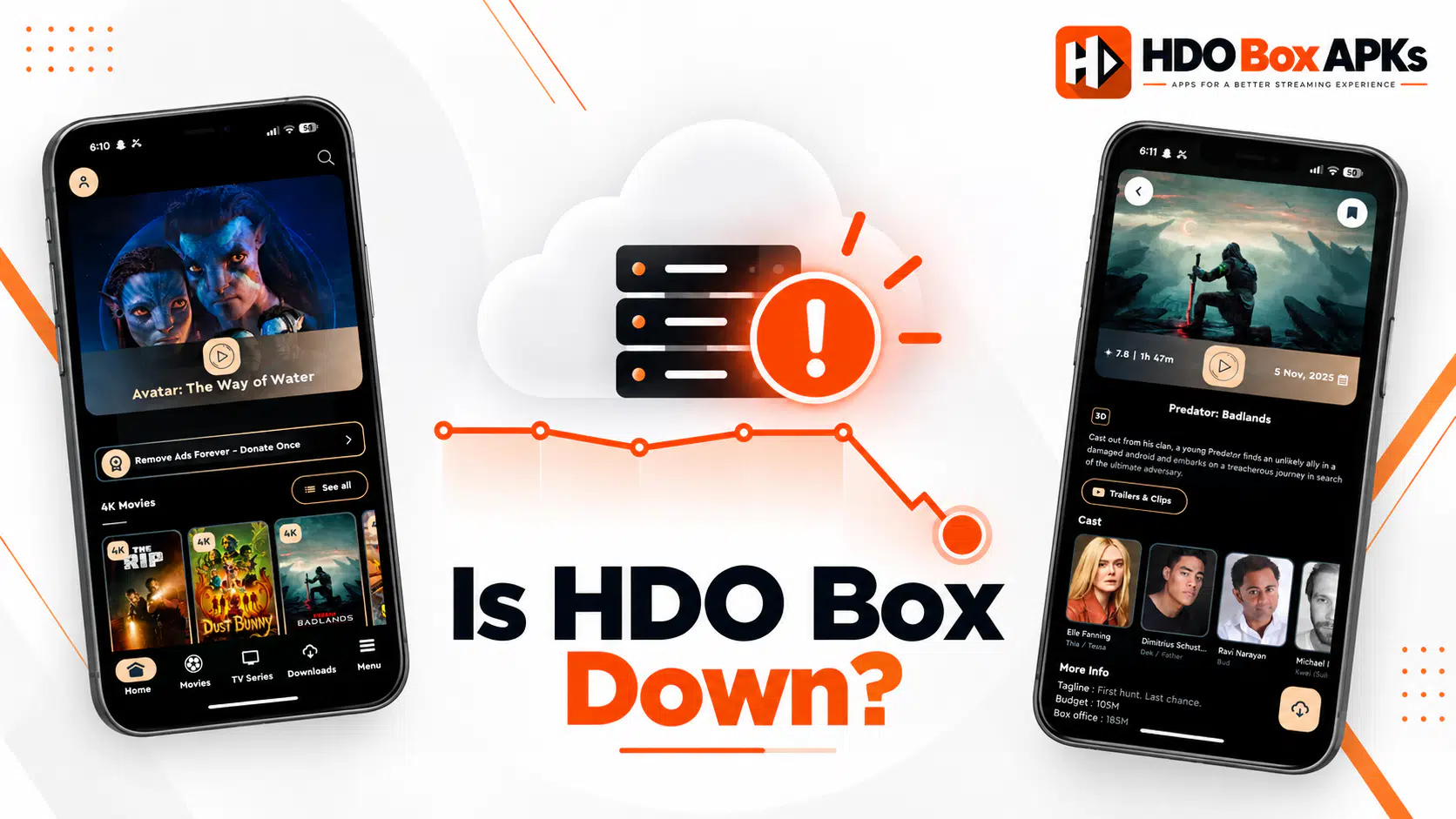
Wondering is HDO Box down today, or is the problem on your end? This question comes up dozens of times a day across streaming communities, and the answer isn't always obvious. HDO Box relies on external scraping servers that can go offline independently of the app itself, so the symptoms of a server outage and a local device issue often look identical.
This guide explains how to quickly determine is HDO Box down for everyone or just for you, what causes each type of outage, and what you can actually do about it. If you are experiencing playback crashes or missing links, also check our HDO Box not working fixes.
1. How HDO Box Works (Why It Goes Down)
To understand when HDO Box is down, you need to understand its architecture. HDO Box is a scraper app: it doesn't host video files. Instead, it sends automated queries to multiple external video hosting servers, aggregates the available stream links, and presents them to you in a list on your Firestick, Android TV, or PC / Mac.
This means HDO Box has two layers that can independently fail:
The scraping backend
HDO Box maintains server-side scrapers that query video hosts. When these scrapers get blocked, rate-limited, or taken offline by the hosting providers, the app returns "No Links Available" for some or all content.
The video hosting CDN
Even when the scrapers find a link, the video hosting server still needs to be accessible. CDN providers (like Vixcloud, Streamtape, Doodstream, and others) experience their own independent outages.
Both failures look the same to the end user: the app appears to work, but no streams play. Only one of these, a complete app server failure, results in the app itself refusing to load.
2. Is HDO Box Down Right Now? How to Check
There's no official HDO Box status page from the developers. The most reliable real-time sources are independent status checks and outage trackers.
Check these sources in order:
The HDO Box live status page
Our HDO Box status page checks the official download source on a schedule and keeps a log of recent outages. If it shows a problem, the outage is on the server side, not your device.
Downdetector
Search "HDO Box" on Downdetector. If enough users have reported issues in the past 24 hours, a spike on the outage graph appears. HDO Box has limited coverage here compared to Netflix or YouTube, but it can provide a data point.
Try a different title in HDO Box
Before concluding HDO Box is down, test 3–4 different movies and TV episodes across different genres. If one scraper endpoint is down but others still work, some content will stream while others show "No Links." If everything fails, the outage is broader.
3. Server Outage vs. Device Problem: How to Tell the Difference
The most important diagnostic step when asking is HDO Box down is distinguishing between a widespread outage and a local device issue. The treatment is completely different.
- The status page or Downdetector shows the same issue in the past 1–3 hours.
- Every title you try in HDO Box shows "No Links Available."
- The app itself loads fine: it's only streams that fail.
- The issue started suddenly without any changes to your device.
- The same problem appears on multiple different devices.
- The status page and Downdetector show no problems.
- The issue started after you updated the app, changed a setting, or installed something new.
- Some titles work but others don't.
- The issue affects only your specific device, not others on the same network.
- Clearing the cache temporarily fixes the issue. If the app closes abruptly, see our crashing solutions.
If community reports confirm HDO Box is down for everyone, skip the device troubleshooting and go straight to waiting or switching apps. If outage trackers are quiet and others seem to be streaming fine, your issue is local and fixable.
4. Common Signs That HDO Box Is Down
These are the most common symptoms users report when asking is HDO Box down during an outage:
"No Links Available" for all content
The most frequent sign. The app interface loads normally, browsing works, but every title you tap returns no stream links.
App loads but posters are blank or grey
When the scraping backend has issues, HDO Box sometimes fails to load poster artwork alongside stream metadata. Blank grey tiles for movie thumbnails often accompany scraper problems.
Streams load but immediately stop
The scraper finds a link, Drama Player opens, but the video freezes within seconds. This typically means the CDN server hosting the actual video file went offline between the moment the link was scraped and when you pressed play.
Endless loading spinner
If the HDO Box app itself shows a spinning loader on the home screen without ever displaying content, the main application server may be experiencing issues.
"HDO Box Player Not Installed" appearing when it was fine before
Less common during outages, but some users report the player detection failing during backend issues. Restarting the app usually resolves this if it's not a genuine player installation problem. Check our Player setup hub to verify your player build.
5. What to Do When HDO Box Is Down
If you've confirmed that HDO Box is down as a server-side issue, your options are limited but clear:
Wait for the outage to resolve
Most HDO Box scraper outages resolve within 2–24 hours. The development team typically pushes updated scraper endpoints when video hosts block existing ones. Check the HDO Box status page for restoration.
Update to a newer APK version
Sometimes what appears as an outage is actually the app running deprecated scraper API keys that have been blocked. A new APK version with updated keys may resolve it immediately. Head to our download page or enter Downloader code 730116 or 6447263, and follow our update tutorial.
Clear the cache and restart
Even during partial outages, clearing your app cache sometimes helps the app reconnect to available working scrapers. Go to Settings > Apps > HDO Box > Clear Cache on your device.
Switch to a backup streaming app
If the outage is longer than expected or affects all content, use one of the alternative apps listed in our alternatives guide.
Use Real-Debrid to expand available sources
If you have a Real-Debrid account linked to HDO Box, the app can pull from premium cached torrents that are separate from the regular free scrapers. During partial outages, Real-Debrid sources often remain available when free scrapers fail. Follow our HDO Box Real-Debrid & Trakt setup.
Enter this verified code in the Downloader app on Firestick & Android TV
6. How Long Do HDO Box Outages Last?
Based on user outage reports, HDO Box outages fall into three categories:
Will HDO Box come back after a long outage? Historically, yes. HDO Box has recovered from every major outage and continues to receive development attention. If the app appears to be down for more than a week, check the HDO Box status page and the official site at hdoboxapks.com before drawing conclusions.
7. Best Alternatives While HDO Box Is Down
When HDO Box is down, these alternatives provide reliable access to the same type of content:
| App | Available On | Setup | Content Quality | Comparison |
|---|---|---|---|---|
| Stremio | All platforms | Easy: no sideload needed | Excellent with add-ons | HDO Box vs Stremio |
| Nuvio | Firestick, Android TV | APK sideload | Strong, actively maintained | Top Alternatives |
| Flix Vision | Android, Firestick | APK sideload | Fast, broad library | HDO Box vs Flix Vision |
| Onstream | Firestick, Android | APK sideload | Lightweight, stable | HDO Box vs Onstream |
| Cinema HD v2 | Android, Firestick | APK sideload | Popular with active community | HDO Box vs Cinema HD |
For an in-depth comparison, read our complete breakdown comparing HDO Box vs Stremio vs Onstream.
Frequently Asked Questions
Is HDO Box down today?
Why does HDO Box go down so often?
Is HDO Box permanently shut down?
Can I fix a server outage myself?
Why does HDO Box work on one device but not another?
Does Real-Debrid help when HDO Box is down?
Conclusion
The next time you ask is HDO Box down, you now have a clear process to find out. Start with the status page and Downdetector: they're the fastest real-time indicators. Then test multiple titles in the app to gauge whether the outage is total or partial. If it's confirmed as a server-side issue, update your APK, clear your cache, and decide whether to wait or switch apps temporarily.
HDO Box outages are a recurring reality of the free streaming ecosystem, but they're almost never permanent. Most resolve within hours, and new APK updates routinely restore functionality after extended periods. Keeping a backup app like Stremio or Nuvio ready ensures you're never left without a streaming option while waiting for HDO Box to come back up.